
Only logged in customers who have purchased this product may leave a review.
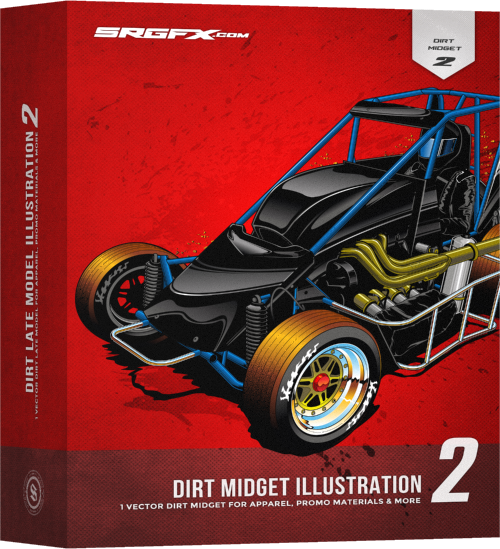
Dirt Midget Illustration 2
$72.99

Premium Dirt Midget details for high quality t-shirt illustrations.
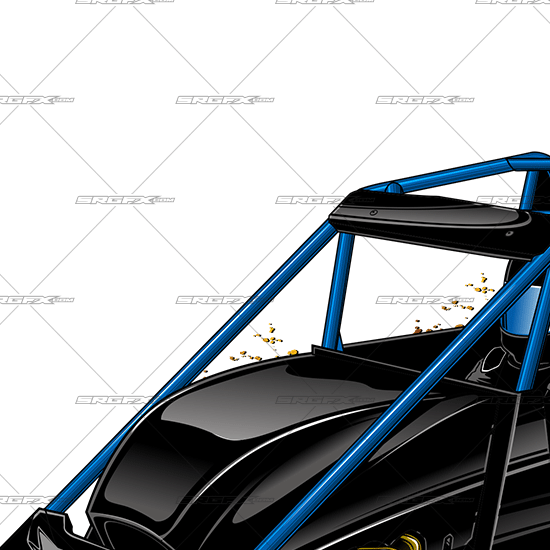
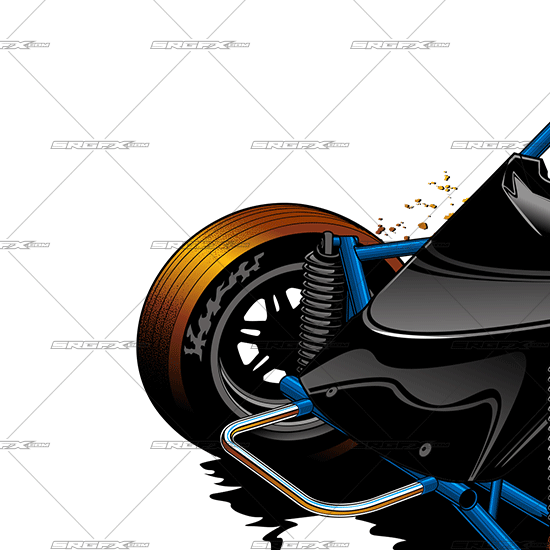
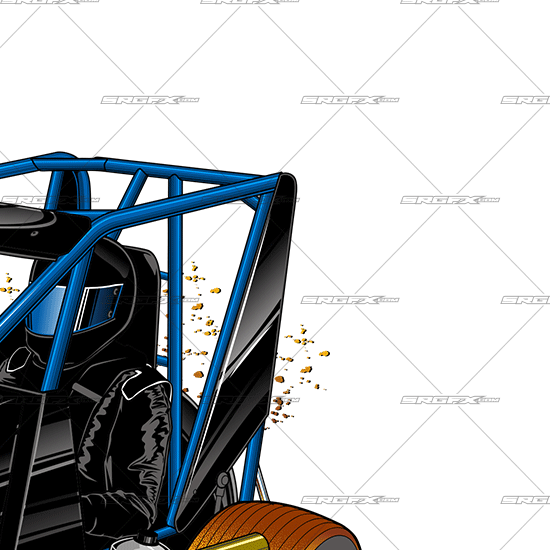
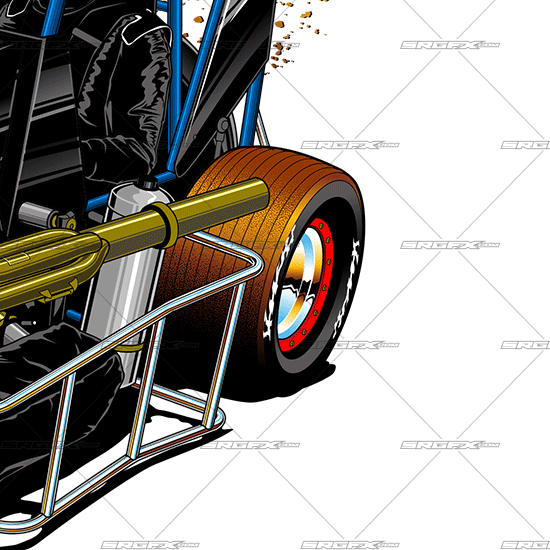
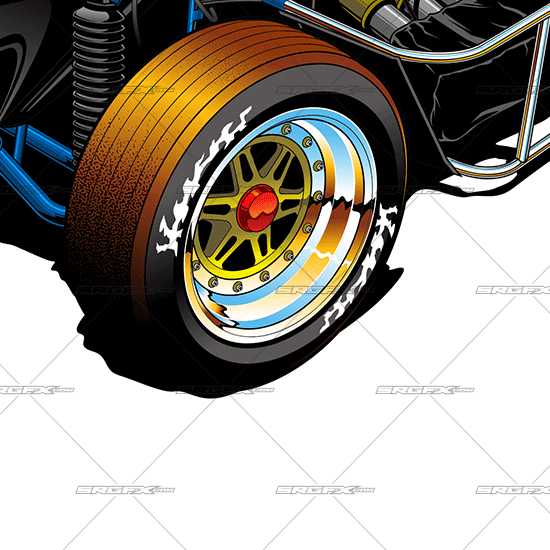
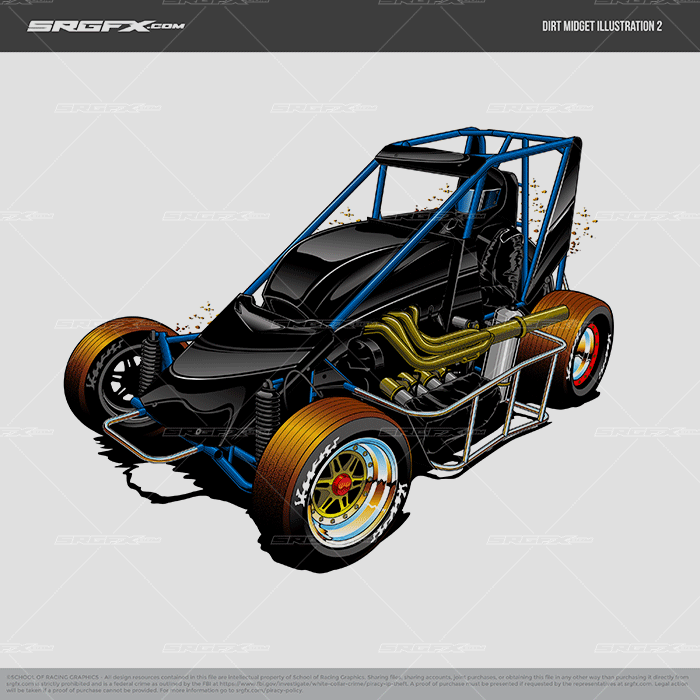
Dirt midget illustration 2 is a fully vectored, dirt racing illustration. This illustration is perfect for displaying a dirt midget waiting in race line up or on corner entry to center of the corner.
Now includes the following file types!

Created by: Brian Martinowsky

Guaranteed Satisfaction
if you run into problems with this file, I will sort it out. Hit me up! »-Ray ⚡Founder - Vector Aficianado - Rad Maker⚡
Files Included
Adobe Illustrator Corel Draw EPS Flexi Sign PDFImportant file notes:Adobe Illustrator files also open in Affinity Designer and Corel Draw.EPS is industry standard. Opens in all vector based software.Flexi Sign Files also open in Vinyl Express LXI.
Description
High detailed Dirt Midget Illustration
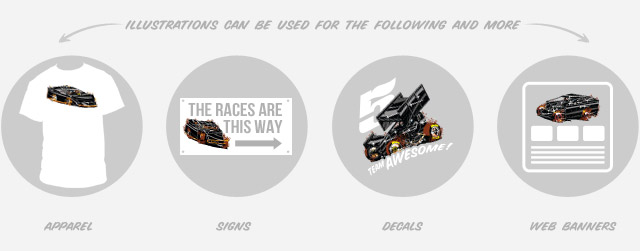
Dirt midget illustration 2 is one full vector dirt racing illustration. This vector illustration can be used in any project including but not limited to:
- T-shirt illustrations
- Driver apparel
- Race team apparel
- Racetrack signs, banners & t-shirts
- Web Templates
- Motorsports promotions & more
Benefits of Dirt Midget illustration 2:
- Customize colors
- Remove dirt for asphalt midget option
- Add wrap designs to match your customers brand
- Boost your productivity by saving yourself days of work
- Use the illustration on an unlimited amount of projects
- Vector format allows for easy customization
- Combine with SRGFX T-Shirt Backgrounds for your design projects
Additional information
| Designer Skill Level | Intermediate to advanced |
|---|---|
Yes |
|
| Cut | Yes (Not Recommended) |
| File Types | .ai, .cdr, .eps, .fs, .ps, .pdf, .svg |
| Opens In | Adobe Illustrator, Corel Draw, Flexi Sign, Sign Blazer, Sure Cuts A Lot, Vinyl Express LXI, and more |
Frequently Asked Questions
Q. I purchased an Illustration. How do I edit it and add graphics?
A. At SRGFX.com we welcome designers at all skill levels. However, our assumption is that if you invest in our resources you have an understanding of the graphic design skills required to modify and manipulate SRGFX.com resources. None of our our products are out of the box “programs” or simple click applications. Each product requires a certain skill level that is found in the graphic design trade. Though we want to encourage and help anyone willing to learn. Illustrations are NOT entry level assets or created for beginners. We create Illustrations for seasoned designers and screen print shops that already have a full understanding of the design process so they can knock out projects quickly. To get the most out of illustrations, it is best to first understand the design software of your choice. This will help you modify and add graphics to Illustrations without the headache of having to learn the design tools/trade at the same time.
Q. How many illustrations do I get with each purchase?
A. Each illustration comes with a single illustration of the type of race car listed in the title and pictured on the box. We do not package or bundle illustrations together. What you see in the preview images is what is included. Illustrations are the most intricate and involved design asset found on SRGFX.com. Each car can take from 8-16hrs to create depending on the type of car. The cost of these illustrations are well worth the investment when considering the amount of time it takes to draw the car yourself or the amount of money it would cost to pay a freelance designer to create the car for you.
Q. How come some Illustrations are layered and others are not?
A. All of our newer Illustrations have been layered and organized in Adobe Illustrator, Adobe Photoshop, Corel Draw, Flexi Sign and Inkscape. All Illustrations with a silver box and a red car have been organized and layered. ALL Illustrations will eventually be updated with layers and the update will be free to those who already purchased the updated Illustration.
Q. Can I change the color and add graphics to Illustrations
A. Yes, you will need to be able to open our SRGFX Illustration in a graphic design software such as Adobe Illustrator, Adobe Photoshop, Corel Draw, Flexi Sign, LXI or Inkscape. Once you have it opened or imported you will be able to modify the colors and add graphics.
Q. What software do I need to open and edit Illustrations
A. All Illustrations are created for the most popular graphic design software including Adobe Illustrator, Adobe Photoshop, Corel Draw, Flexi Sign, LXI and Inkscape. This illustration is not a stand alone software. To open and edit illustrations colors, add graphics or modify the illustration in any way, you will need to be familiar with one of the mentioned programs.
Go to all frequently asked questions »
Reviews
There are no reviews yet.